Table of Contents
Description
EyeWitness is a reconnaissance tool that captures screenshots of web services, RDP, and VNC servers to quickly identify interesting targets. It automates web enumeration by generating reports and checking for default credentials or vulnerabilities.
EyeWitness can take the XML output from both Nmap and Nessus and create a report with screenshots of each web application present on the various ports using Selenium. It will also take things a step further and categorize the applications where possible, fingerprint them, and suggest default credentials based on the application. It can also be given a list of IP addresses and URLs and be told to pre-pend http:// and https:// to the front of each. It will perform DNS resolution for IPs and can be given a specific set of ports to attempt to connect to and screenshot.
Set-up
We can install EyeWitness with this command:
sudo apt install eyewitness
or clone the repository, navigate to the Python/setup directory and run the setup.sh installer script.
EyeWitness can also be run from a Docker container, and a Windows version is available, which can be compiled using Visual Studio.
Basic usage
We can run the default --web option to take screenshots using the Nmap XML output from the discovery scan as input.
eyewitness --web -x nmap_scan.xml -d directory_name_to_save_to
Interpreting the results
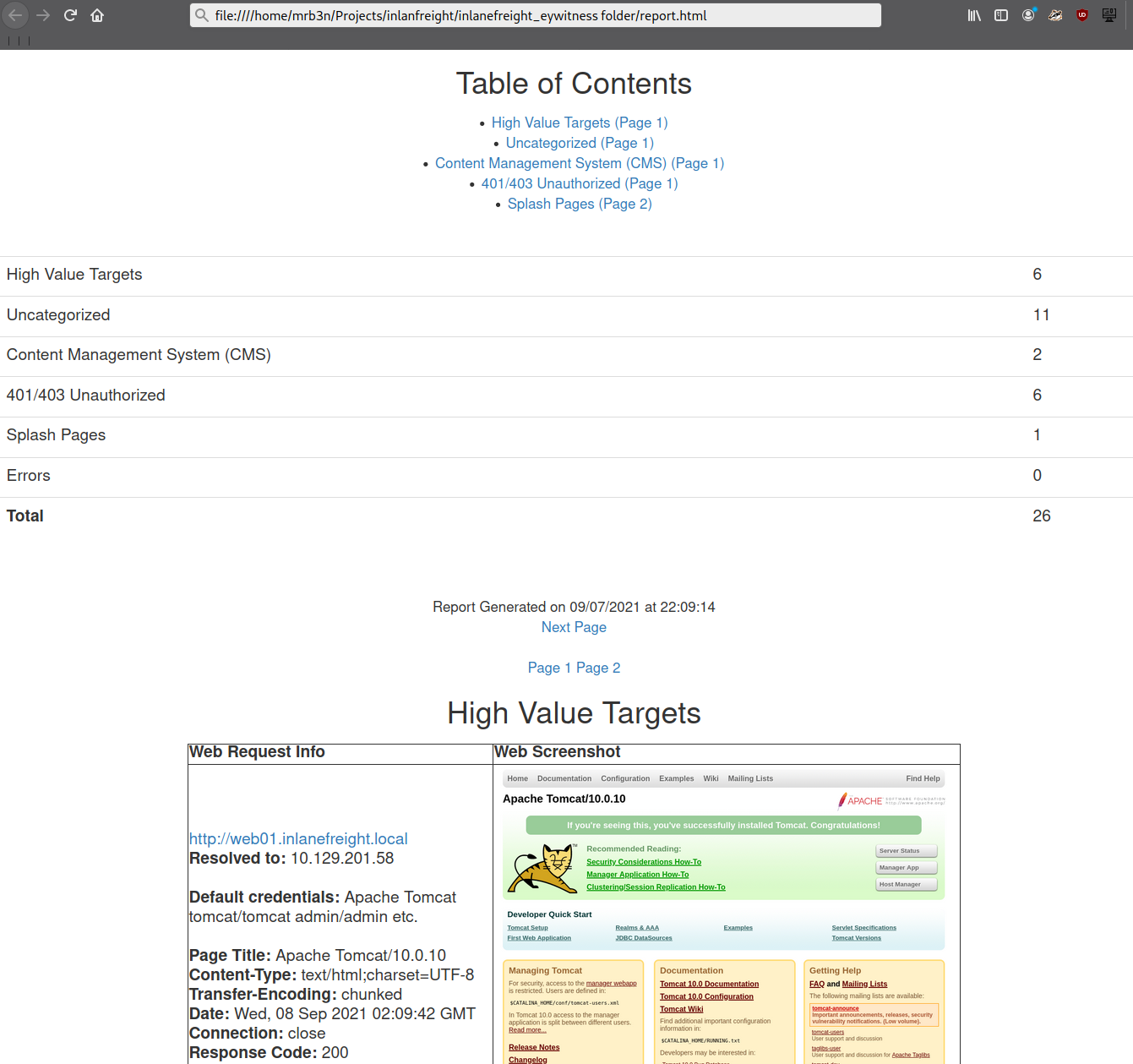
After opening the report, we see that the report is organized into categories, with High Value Targets being first and typically the most “juicy” hosts to go after.
Often, the very large reports will have interesting hosts buried deep within them, so it is worth reviewing the entire thing and poking at/researching any applications we are unfamiliar with.
For example: In the below report, I would be immediately excited to see Tomcat on any assessment (but especially during an External Penetration Test) and would try default credentials on the /manager and /host-manager endpoints. If we can access either, we can upload a malicious WAR file and achieve remote code execution on the underlying host using JSP code. More on this later in the module.